

Comprehensive Guide to Liquid Cooling: A Deep Dive into the Concept, Benefits, and Applications
Oct 05, 2024
Leave a message
Introduction
Liquid cooling has become a crucial component in the world of high-performance computing, gaming, and industrial machinery. As technology advances, the demand for more efficient and effective cooling solutions grows. In this article, we will explore the concept of liquid cooling, its benefits, applications, and how it outperforms traditional air cooling methods.
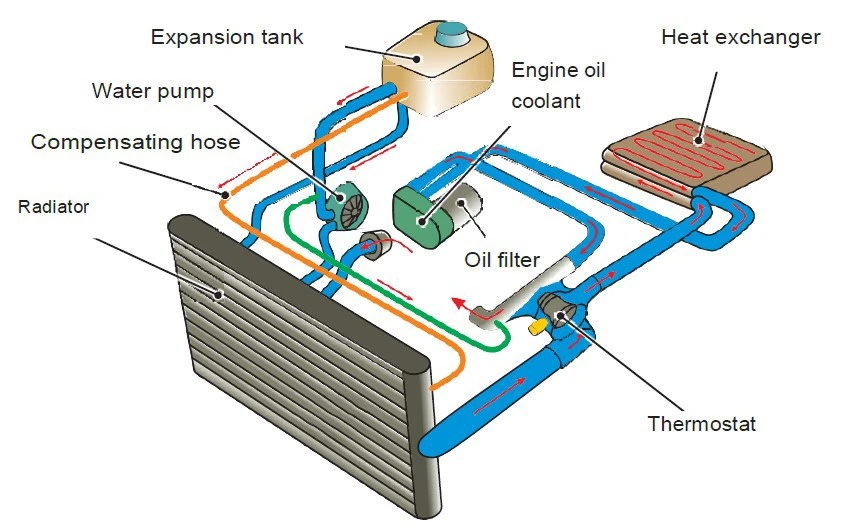
▲ Liquid Cooling System Diagram
Ⅰ What is Liquid Cooling?
Liquid cooling, also known as water cooling, is a method used to dissipate heat from electronic components. Unlike air cooling, which uses fans to blow hot air away from components, liquid cooling utilizes a liquid coolant to absorb heat and transfer it away from the hardware.
Ⅱ How Does Liquid Cooling Work?
The process involves several key components:
- Coolant: A special liquid that circulates through the system to absorb heat.
- Water Blocks: These are attached to the components that need cooling, such as the CPU or GPU, and facilitate heat transfer to the coolant.
- Radiator: The heated coolant passes through the radiator, where fans cool it down.
- Pump: This component moves the coolant throughout the system.
- Reservoir: A tank that holds excess coolant and helps to prevent air from entering the system.
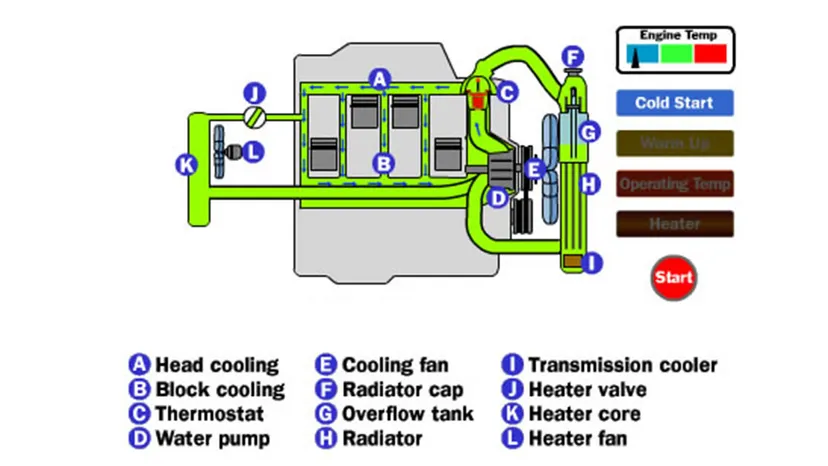
▲ Liquid Cooling System Components
Ⅲ Benefits of Liquid Cooling
1. Enhanced Cooling Efficiency
Liquid cooling systems provide more efficient heat dissipation than traditional air cooling. The thermal conductivity of liquid is higher, allowing for quicker and more effective heat transfer.
2. Quieter Operation
Since liquid cooling requires fewer fans to operate at lower speeds, it results in a significantly quieter system. This is especially beneficial in environments where noise reduction is important, such as in recording studios or during live streaming.
3. Aesthetic Appeal
Liquid cooling systems can be customized with colored coolants and RGB lighting, adding a visually stunning element to your setup.
4. Improved Overclocking Potential
For enthusiasts looking to push their hardware to the limits, liquid cooling provides a stable thermal environment, reducing the risk of overheating during overclocking.
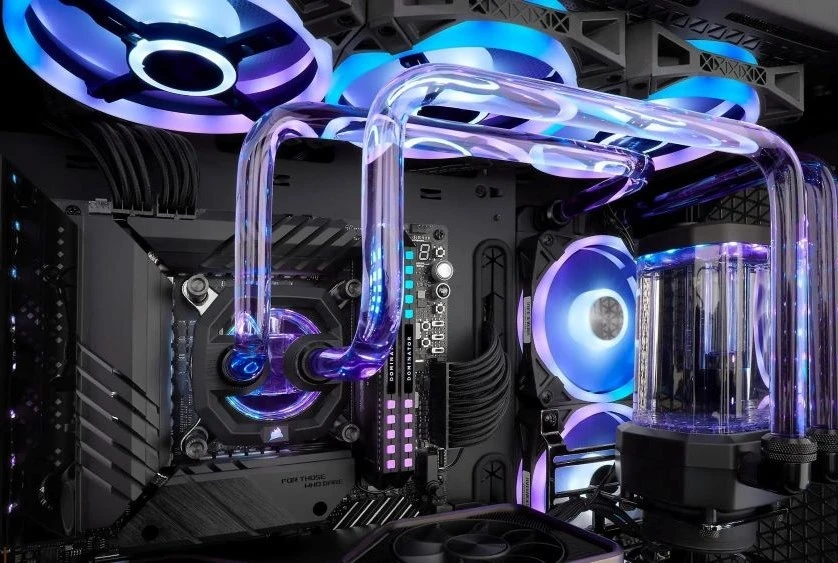
▲ Overclocked Gaming PC with Liquid Cooling
Ⅳ Applications of Liquid Cooling
1. High-Performance Computing (HPC)
In data centers and HPC environments, liquid cooling is used to manage the high thermal loads of powerful servers and computing clusters, improving energy efficiency and reducing cooling costs.
2. Gaming and Workstations
Gamers and professionals who use powerful workstations for rendering, video editing, or 3D modeling benefit greatly from the enhanced cooling capabilities of liquid systems.
3. Industrial Applications
In manufacturing and industrial settings, liquid cooling is employed to regulate the temperature of machinery, ensuring smooth operation and longevity of equipment.
Ⅴ Choosing the Right Liquid Cooling System
When selecting a liquid cooling system, consider the following factors:
- Compatibility: Ensure that the system is compatible with your hardware components.
- Performance Needs: Determine your cooling requirements based on your usage-whether it's for gaming, professional work, or industrial purposes.
- Maintenance: Regular maintenance is required to keep the liquid cooling system running efficiently. Choose a system that fits your maintenance capabilities.
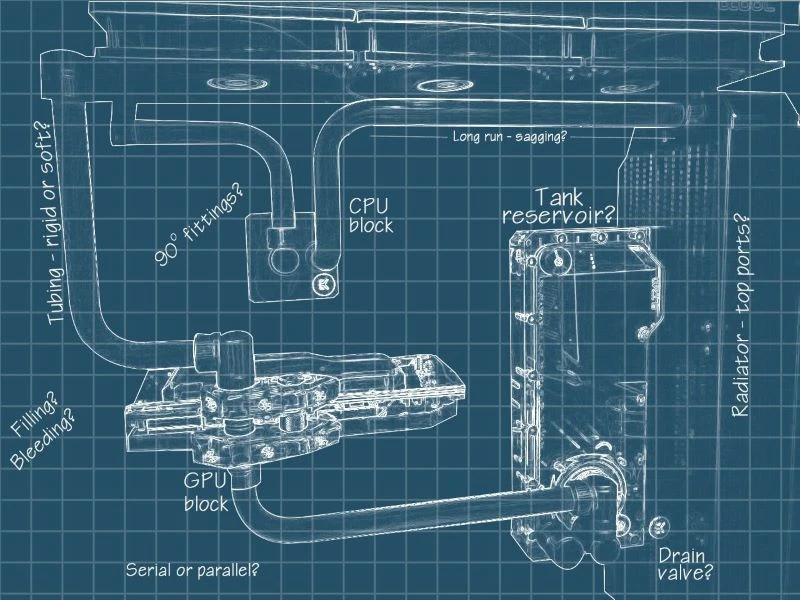
▲ Custom Liquid Cooling Loop Setup
Conclusion
Liquid cooling offers numerous advantages over traditional air cooling, making it an ideal solution for high-performance computing, gaming, and industrial applications. By understanding the concept and benefits of liquid cooling, you can make an informed decision when choosing the right cooling solution for your needs.
Implementing a liquid cooling system not only enhances your system's performance but also contributes to a quieter and more aesthetically pleasing environment.